
Family Command Center: 5 Steps to Stop Being Your Family's Human Calendar (Ep 320)
About the episode
Tired of being the only one in your house who knows what is happening? A family command center fixes that. Here are the five steps to set one up, physical or digital, before the school year swallows you.
Powered by RedCircle



Helpful Links:
Links mentioned in this episode (some may be affiliate links):
The Doable Dozen, free guide: https://wannabeclutterfree.com/doabledozen
Chaos to Calm Summit, all 35 sessions: https://wannabeclutterfree.com/summit
Check out 1-800-GOT-JUNK and use my code 1800gotjunk.com for a great deal: https://www.1800gotjunk.com
Check out BetterHelp and use my code betterhelp.com for a great deal: https://www.betterhelp.com
Check out Vinted: https://www.vinted.com
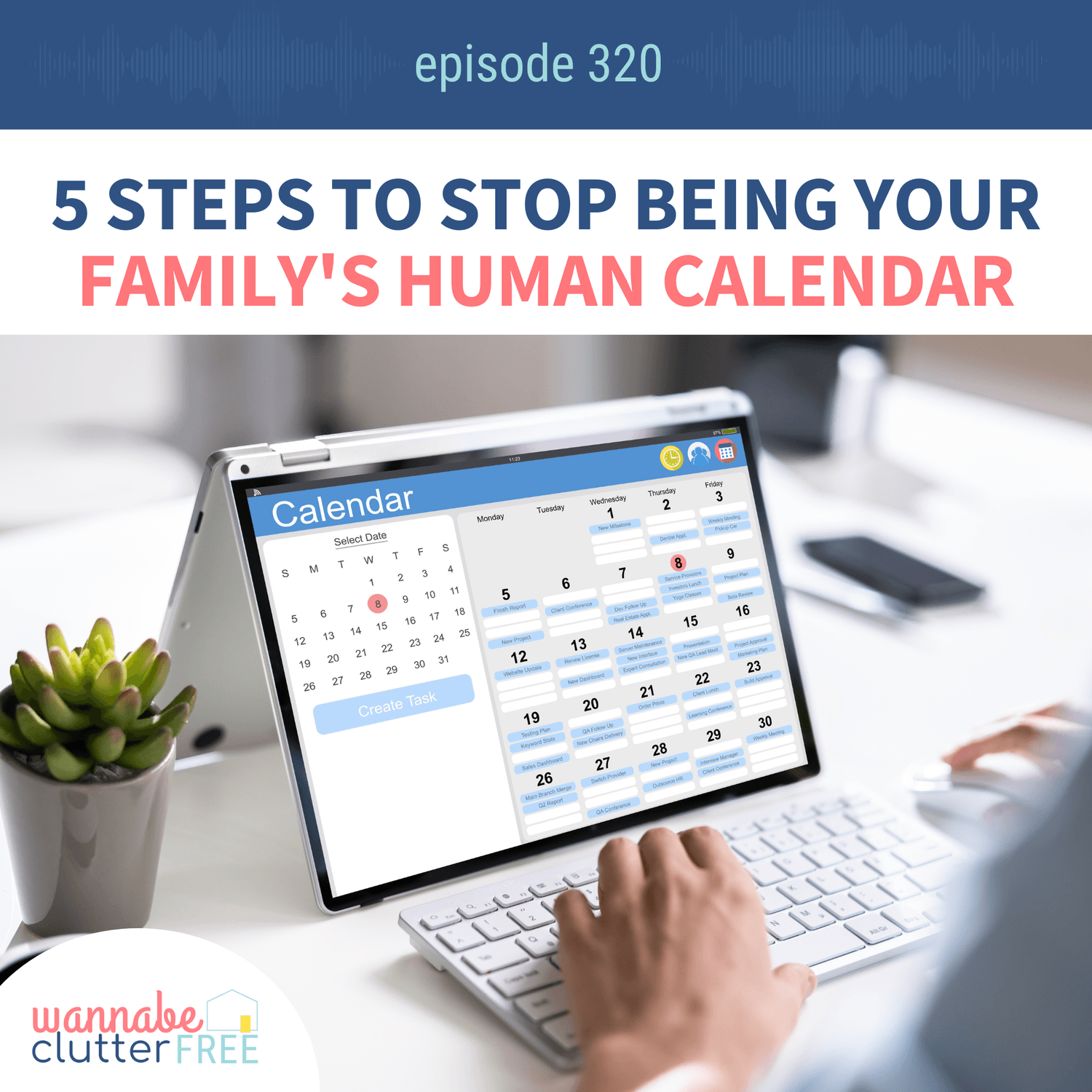
Who has soccer at 5:15? Did the permission slip go back to school? Is there anything defrostable for dinner? Did anyone put milk on the list?
If every one of those answers lives in your head and nowhere else, I want to gently point something out. You are not disorganized. You are the bottleneck. Every question in your house has to route through you, which means nothing moves without you, which means you are tired in a way that sleep does not fix.
A family command center is how you stop being the bottleneck. And with the school year and every activity schedule crashing back in at once, this is the week to build one.
What a family command center actually does
Think of it as the brain of your home. It pulls your schedules, your tasks, and your essential information into one central spot, so the answers live somewhere other than your memory.
That does three things. It gives you one place for family communication instead of six. It cuts the low-grade panic of trying to remember appointments and forms and who is driving where. And it empowers your family, because when everyone knows where to look, they stop coming to you.
That last one makes the biggest difference. As kids get older and pick up their own activities, you want to give them autonomy without letting anything fall through the cracks. A command center does both.
Physical, digital, or a hybrid
There are three ways to set up a family command center and which you choose is a matter of personal preference.
A physical command center can be as simple as a paper calendar tacked to the wall. It can be a full wall unit with a whiteboard, hooks, and baskets. It can be a hodgepodge of a few things you already own. Fancy is not required for it to work.
A digital command center might be a Skylight calendar, a Hearth system, or a DIY setup with a tablet you configure yourself.
I use a combination or hybrid approach. I keep a physical inbox for mail and an outbox for returns, and I run our calendar, meal plan, and recurring task lists on a Skylight. Sometimes I still jot lists on paper first, because putting pen to paper helps my brain unwind, and then I sync them over at the end of the day.
Location beats aesthetics
Whichever version you pick, decide where it lives before you decide what it looks like.
Choose a high traffic area. Kitchen, entryway, main hallway, somewhere everyone walks past. If it is tucked behind a cabinet door or in a room nobody enters, it will quietly stop existing. You want this thing to stand out.
Pretty is a bonus. Visible is the requirement.
What every command center needs
Three components carry most of the weight, and they work in both formats:
A calendar you can actually see at a glance, with room to add appointments
A running list station for to-dos, groceries, chores, and purchases
A message board for notes and reminders
If you are building a physical version, add two more. An inbox and outbox solves the paper problem completely. Mail and school papers land in the inbox for you to handle. Signed permission slips, returns, and outgoing mail go in the outbox. And a supply station with pens, markers, sticky notes, and an eraser, because a system you cannot write on is a system nobody uses.
If you are building a digital version, look for three features: it syncs with the calendars you already use, it lets each person have a color code, and it automates recurring lists so you are not rebuilding your chore chart every Sunday.
That color coding is more important than it sounds. At a glance, everyone can see who owns what today. That is ownership without a conversation.
The five steps
Declutter the space first. Pick where it will live and clear it out. Even if all you hang is a calendar, it lands better in a space that is not competing for attention.
Choose the tools you will actually use. Physical, digital, or hybrid. Pick the one you will maintain, not the one that photographs well.
Customize it to your family. Which colors, which lists, which charts. And if part of the system does not serve you, skip it. If you are past the chore chart stage, let it go.
Schedule a weekly sync. Fifteen minutes. Sunday works for a lot of families. Friday evening works if you would rather not carry it through the weekend. Update the calendar, pick the meals, look at the week ahead.
Get buy-in from everyone. Show your family how to use it, and assign roles. Who updates the calendar. Who has carpool. In our house most of the planning still lands on me, but everyone is bought in on keeping it running.
Three bonus tips
Make it accessible. Show everyone how it works, and be genuinely excited when you do. Nobody adopts a system introduced with a sigh. Also mind the height. Little kids who might draw on it, hang it higher. Older kids who can help, bring it down where they can reach.
Automate what you can. Digital systems shine here with recurring tasks and calendar syncing. But you can automate a physical one too. Make a stack of copies of your chore chart and your master grocery list. Crossing items off is faster than writing them in.
Review it monthly. The weekly sync keeps it current. A monthly check keeps it useful. If something is not working, change it. This is supposed to make your days lighter, not add one more thing to maintain.
A note from me
I want to be clear about what this is really for. It is not about being an organized person. It is about a house where the information lives somewhere other than inside your head, so you get to stop being the manager of every single thing.
Your homework for today is to pick one part to implement. Just one. Set it up today. Once that's in place you can move onto the next piece. Before you know it, your home will be more organized, your family will know what's happening on any given day, and the chaos will be more calm.
You've got this!
Timestamps:
0:00 Welcome to episode 320 and why this one's perfect for right now
0:47 The Chaos to Calm Summit session begins
2:30 Why your family needs a command center
3:50 Physical vs digital: the two kinds
4:45 Location matters more than you think
6:00 The three essentials every command center needs
6:55 The inbox and outbox that solves school papers
7:45 Building a supply station
10:50 Color coding and instant ownership
11:15 Why we use a hybrid of both
13:00 Step 1: Declutter the space first
13:25 Step 2: Choose tools you will actually use
13:55 Step 3: Customize it to your family
15:40 Step 4: The fifteen minute weekly sync
16:30 Step 5: Get buy-in from everyone
17:00 Bonus tip: make it accessible
17:50 Bonus tip: automate what you can
19:10 Bonus tip: review it monthly
20:00 Your next step
20:25 The Doable Dozen freebie
21:19 Where to get the full summit replay
Don't forget to subscribe to the Wannabe Clutter Free podcast (on your favorite podcast player!) so you never miss an episode. And if you liked what you heard today, please leave a rating and review for the show too! It helps others find the show and makes my day.
BEFORE YOU GO!
✨ Snag my DAILY routine that keeps my home tidy & calm in just minutes a day ✨

cheers!
About Deanna Yates
Based in San Diego, CA, Deanna helps high-achieving moms clear the clutter from their homes and lives.
Through coaching, courses, summits, and her top-ranked Wannabe Clutter Free podcast, she supports modern women in building organized, peaceful homes where they can thrive.


Some of the links on this site are affiliate links for your convenience (which means if you make a purchase after clicking a link I will earn a small commission but it won’t cost you a penny more)! Read my full disclosure policy.
Wannabe Clutter Free is a participant in the Amazon Services LLC Associates Program, an affiliate advertising program designed to provide a means for sites to earn advertising fees by advertising and linking to Amazon.com.
© 2026. All Rights Reserved